
Unlock Your Android’s Hidden Powers: 5 Settings You’re Ignoring That Could Save You HOURS!

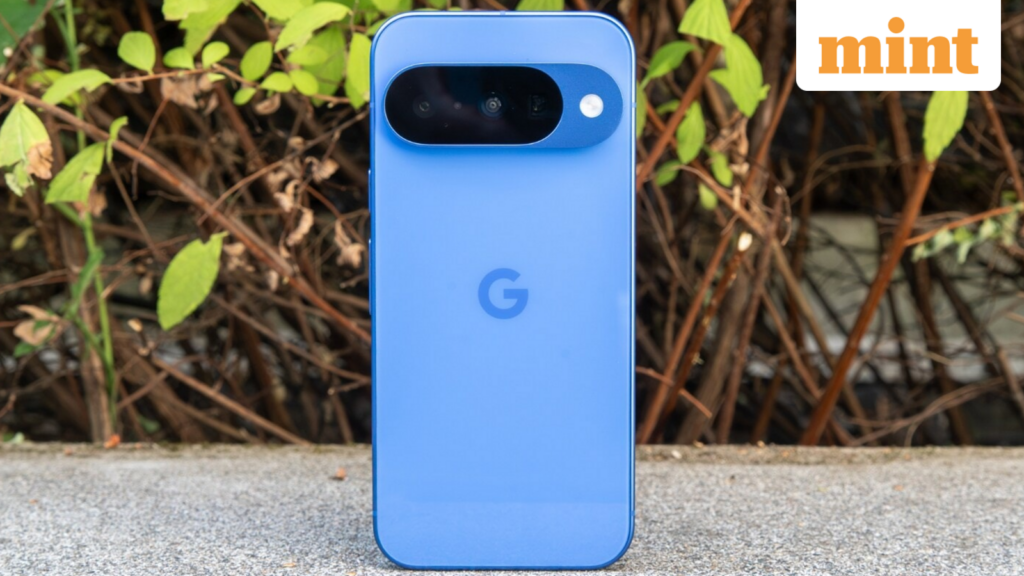
Setting up a new Android phone is often an exhilarating experience. However, many users fail to tap into some of the most valuable features that can enhance their daily interactions with the device. Surprisingly, several of Android's handy tools are disabled by default, leaving users unaware of their potential. From improved security to enhanced notifications, here are essential Android settings that you should enable as soon as you unbox or reset your phone.
Unlocking Potential: Key Android Settings to Enable
One of the most invaluable features that often goes unnoticed is Notification History. Despite being available for years, many devices keep this feature switched off. Once activated, it allows users to review past notifications, even those that were accidentally dismissed or cleared. This becomes particularly handy if an important message or alert slips away before you have a chance to read it. Since this feature only begins tracking notifications after being enabled, it’s wise to activate it early to avoid missing out on crucial alerts in the future.
Google’s Find Hub, previously known as Find My Device, is another vital tool that often remains inactive by default. This feature is essential for protecting your device. When activated, it enables you to locate, lock, or erase your device remotely if it gets lost or stolen. Additionally, it can track compatible accessories like earbuds and trackers. Not setting up this feature beforehand could mean losing the chance to recover your phone when it matters most.
In the realm of security, Android has introduced enhanced theft protection features aimed at keeping your data secure even when your phone is in the wrong hands. These features can automatically lock your device upon detecting suspicious activity, such as an unexpected loss of network connection. The ability to remote lock adds another layer of security, ensuring that your personal information remains protected. Activating these features early can make a significant difference in stressful situations.
For those concerned about device usage during night hours, Bedtime Mode serves as an invaluable tool to encourage healthier habits. Constant notifications can disrupt sleep and elevate screen time late at night. Bedtime mode helps alleviate these distractions by silencing notifications, dimming the display, and even shifting the screen to greyscale. Users can still receive priority alerts through a whitelist, striking a balance between rest and accessibility.
If you use Gboard, Android’s built-in keyboard, enabling the clipboard feature can dramatically elevate your productivity. This feature allows users to save and reuse copied text or images, automatically removing sensitive content after a set time. Furthermore, the Adaptive Tone feature, available on select devices, adjusts the screen color based on ambient light conditions, reducing eye strain throughout the day. When combined with other eye comfort settings, it contributes to a more natural viewing experience.
In a world where smartphones are integral to our daily lives, taking the time to activate these settings can significantly enhance your overall experience. From security to sleep, these features are more than just conveniences; they are essential tools designed to maximize your Android phone’s potential. So, whether you’re an Android novice or experienced user, take a few moments to enable these key settings and unlock the full capabilities of your device.
Is India’s Startup Boom About to Explode? Discover Shocking Government Funding Secrets!

K-Pop’s Hidden Crisis: Are Celebrity Managers Suffering in Silence? Shocking Truth Revealed!

You Won't Believe Which 5 Startups Crashed and Burned in 2025—The Shocking Reasons Will Leave You Speechless!

Shocking New Free Fitness Program for Over 60s—Unlock Your Best Years Now or Regret It Later!

You Won't Believe Which UAE Startups Raked in $100 Million in 2025 – Find Out Their Secrets!

NFL Fans STUNNED: How ONE Controversial Chargers Penalty is Shaking Up the League—You Won't Believe the Fallout!
You might also like: